Installation
The Red Hat build of the Sigstore Admission Controller is available as an Operator install.
Operator
Login to the {openshift_console_url}/operatorhub/all-namespaces?keyword=policy+controller[Operator Hub on the OpenShift Console^,window="console"] as {openshift_admin_user} with password {openshift_admin_password} and search for policy controller:
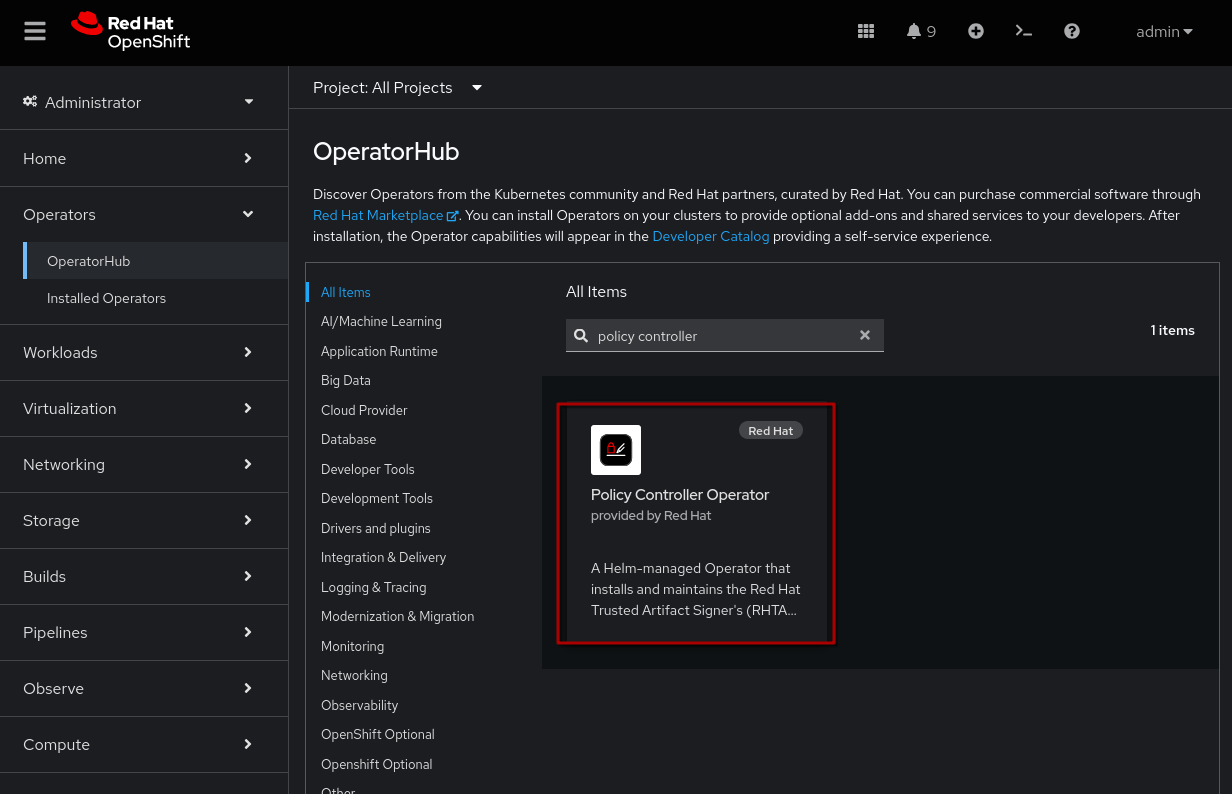
|
When selecting it, you will see that the Policy Controller (and the Operator that reconciles and installs the helm charts) is currently in Tech Preview, as also stated by the Product Documentation 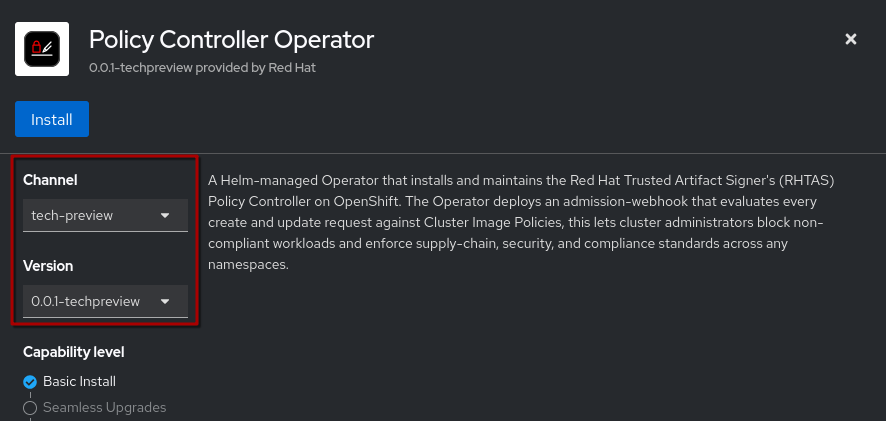
However, given its versatile feature set (and the fact that it is part of the upstream Sigstore project) we should discuss it here even before it graduates to GA (General Availability). |
Click on "Install" and accept all the defaults, then proceed with Install again.
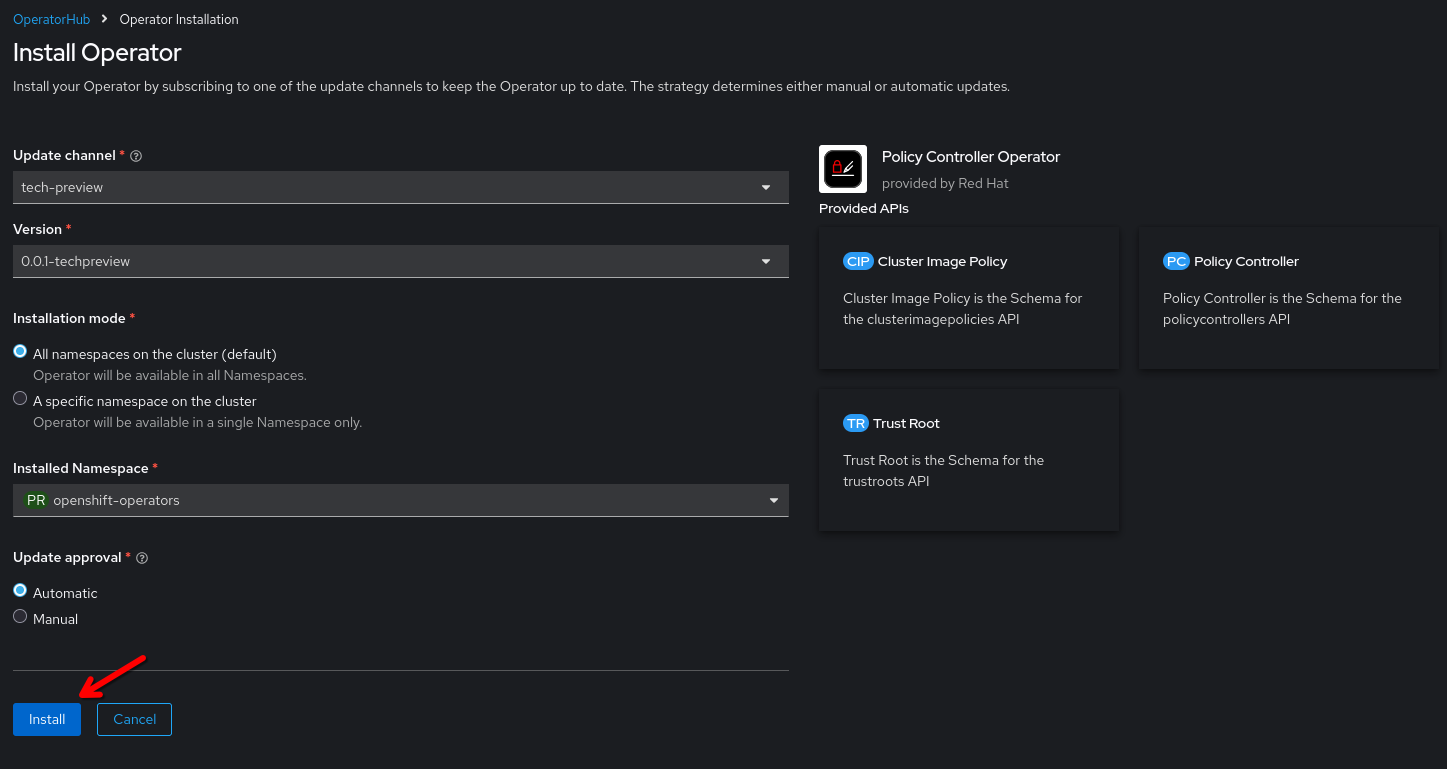
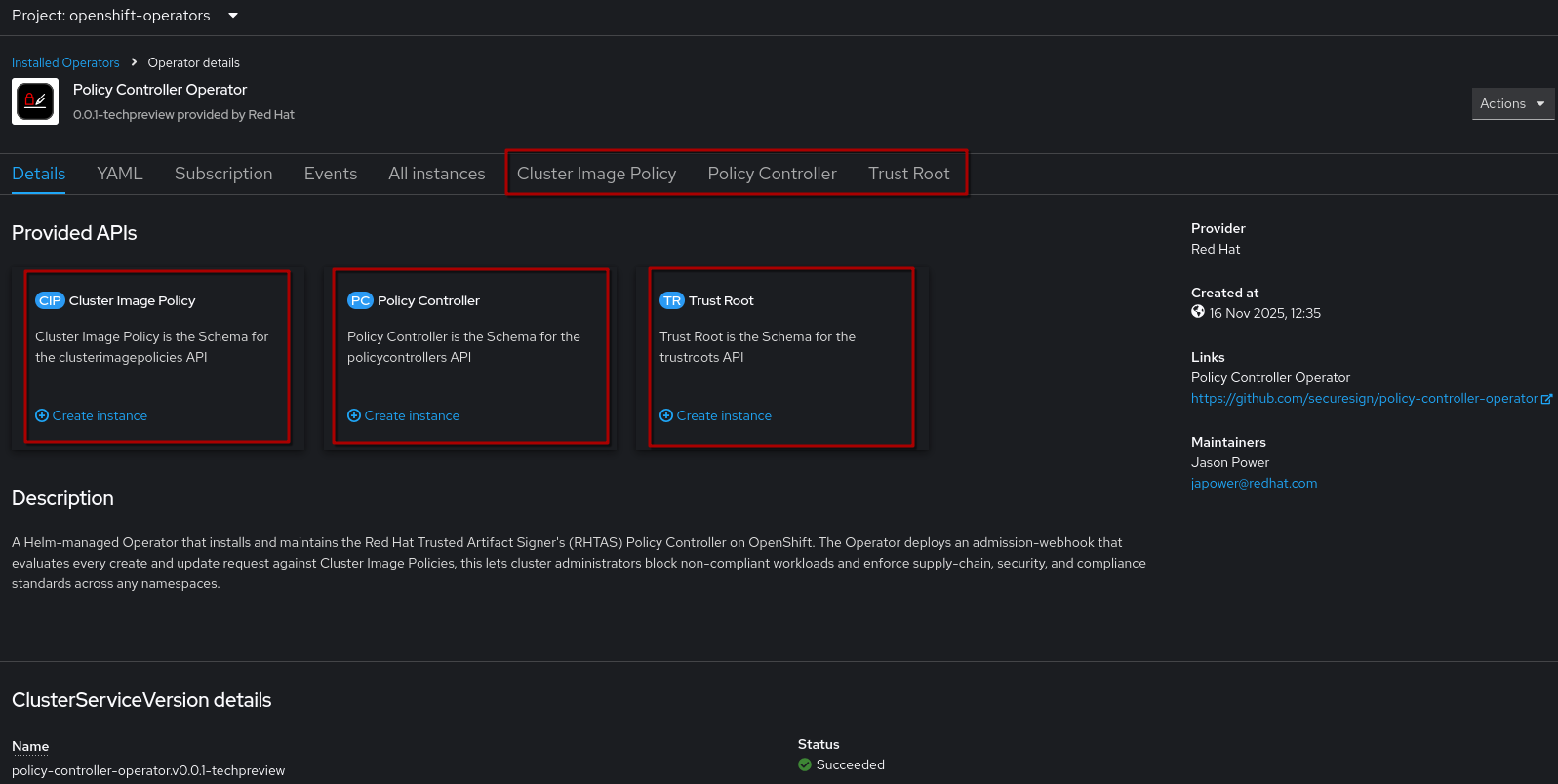
After the installation finishes, the Operator should be available. As we discussed earlier, it adds three CRDs (Custom Resource Definitions) to the cluster:
-
Policy Controller
-
Trust Root
-
Cluster Image Policy